GamesNo purchases
Free
Every game is free to play.
Windows launcher
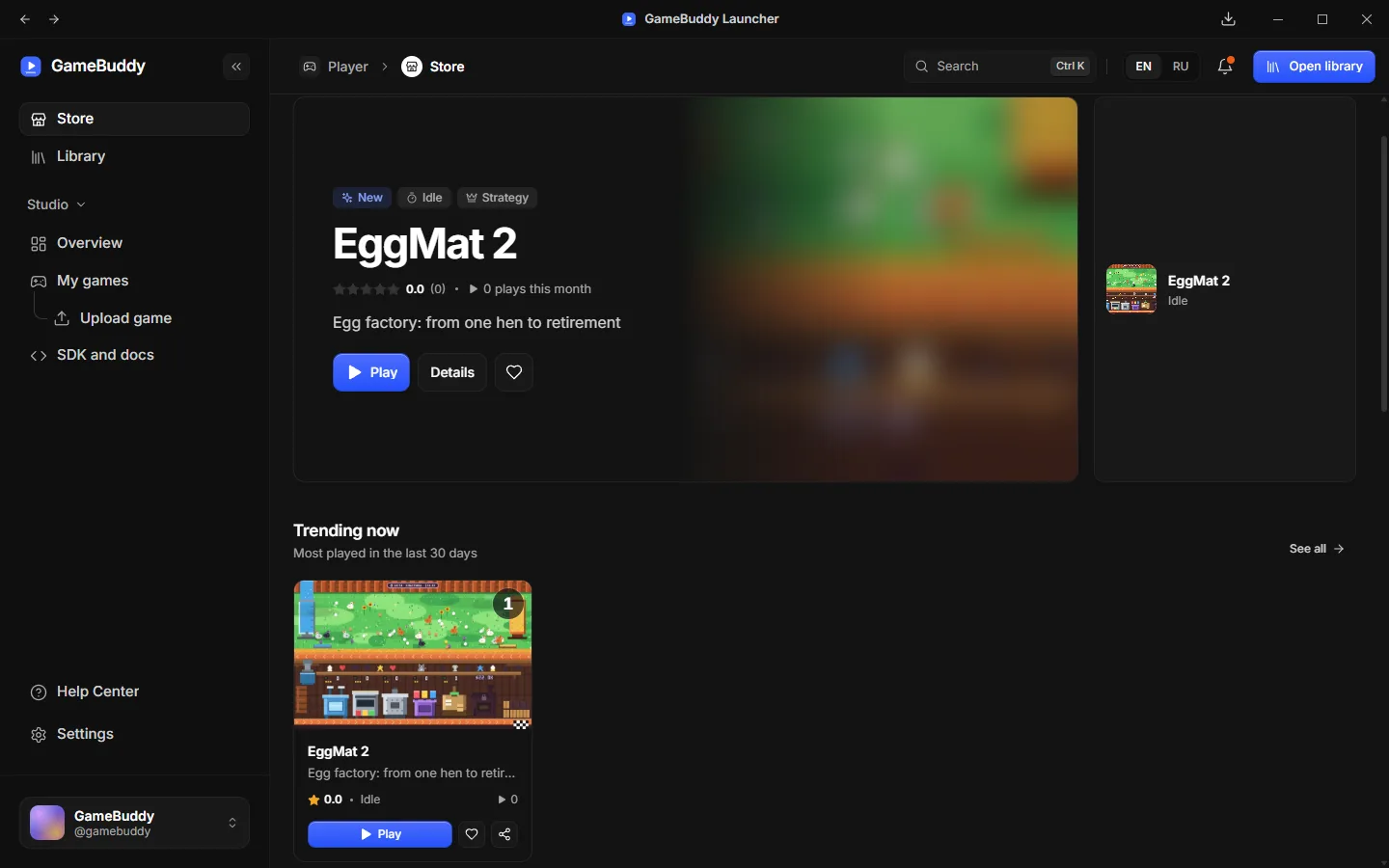
GameBuddy is a Windows launcher for small HTML5 games: find a game in the store, play it in one click, keep your library and leave reviews. Games are free to play.
How it works
Play small HTML5 games in the Windows launcher. Keep the ones you like and tell others what you think.
Browse the store by genre and rating, or jump to any game with the search shortcut.
HTML games start in a safe sandbox inside the launcher. A game that is a Windows program is installed first and then opens in its own window. Install a game to play it offline.
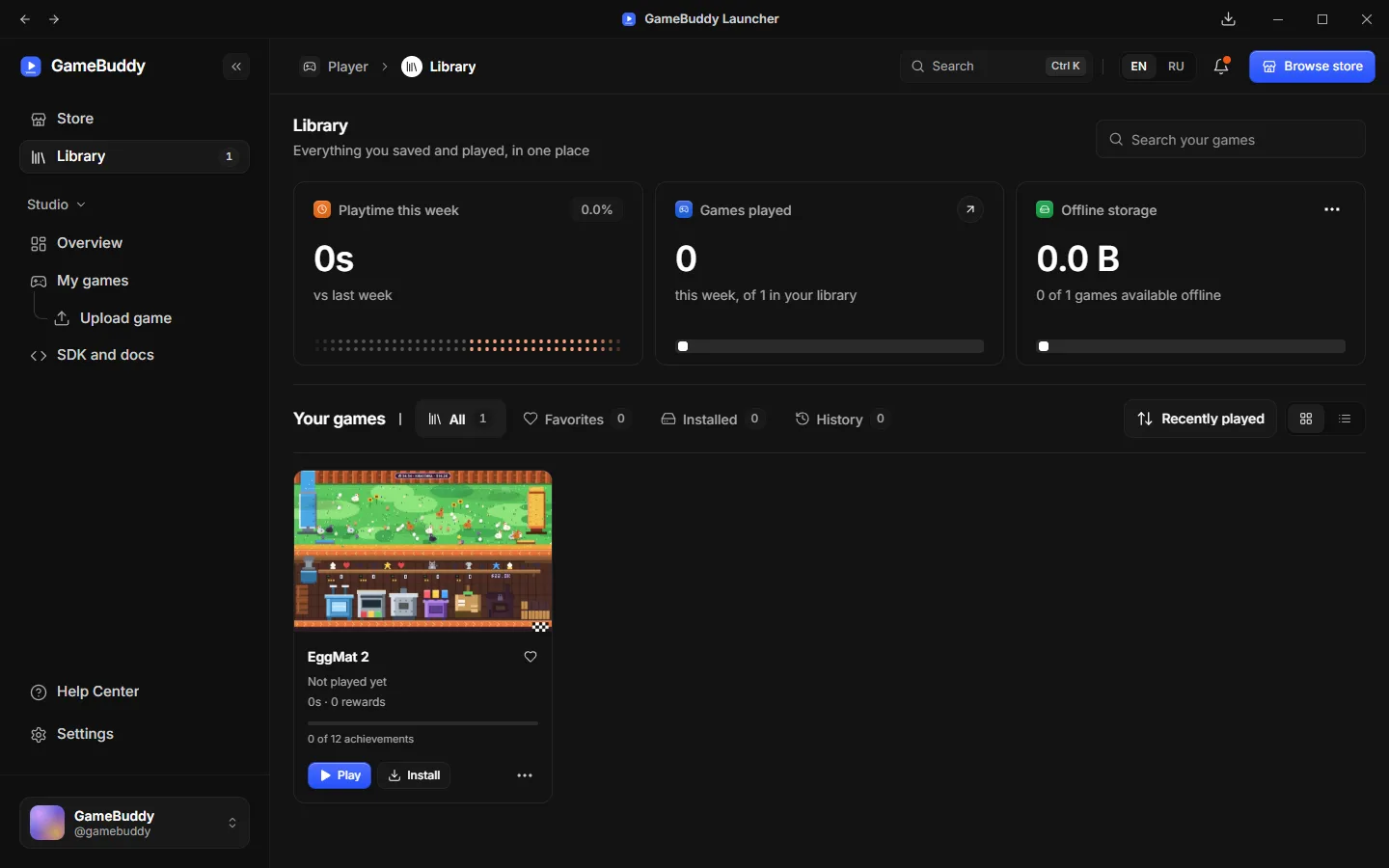
Your library keeps the games you like up to date. Leave a rating and a short review to help the next player.
Screenshots
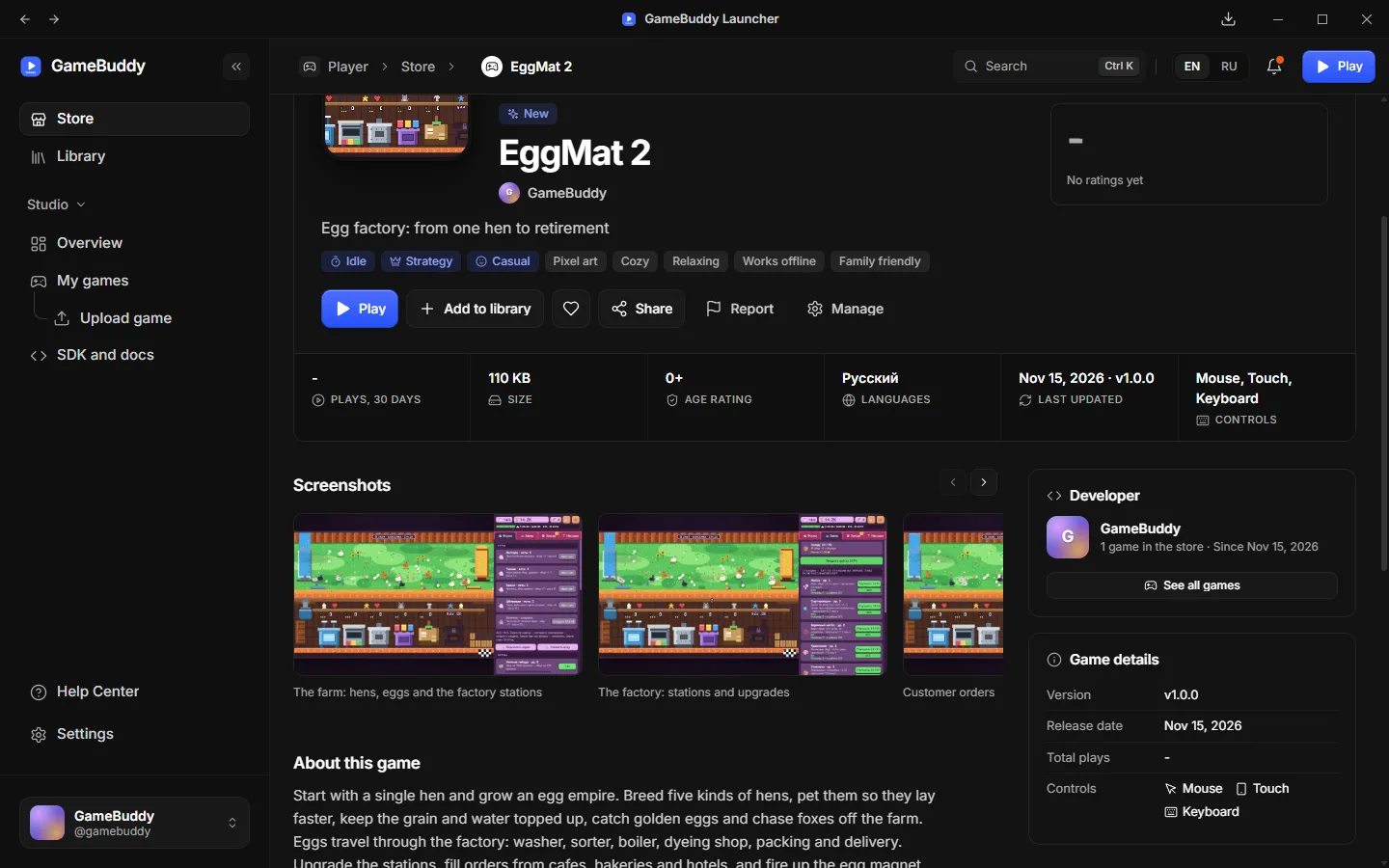
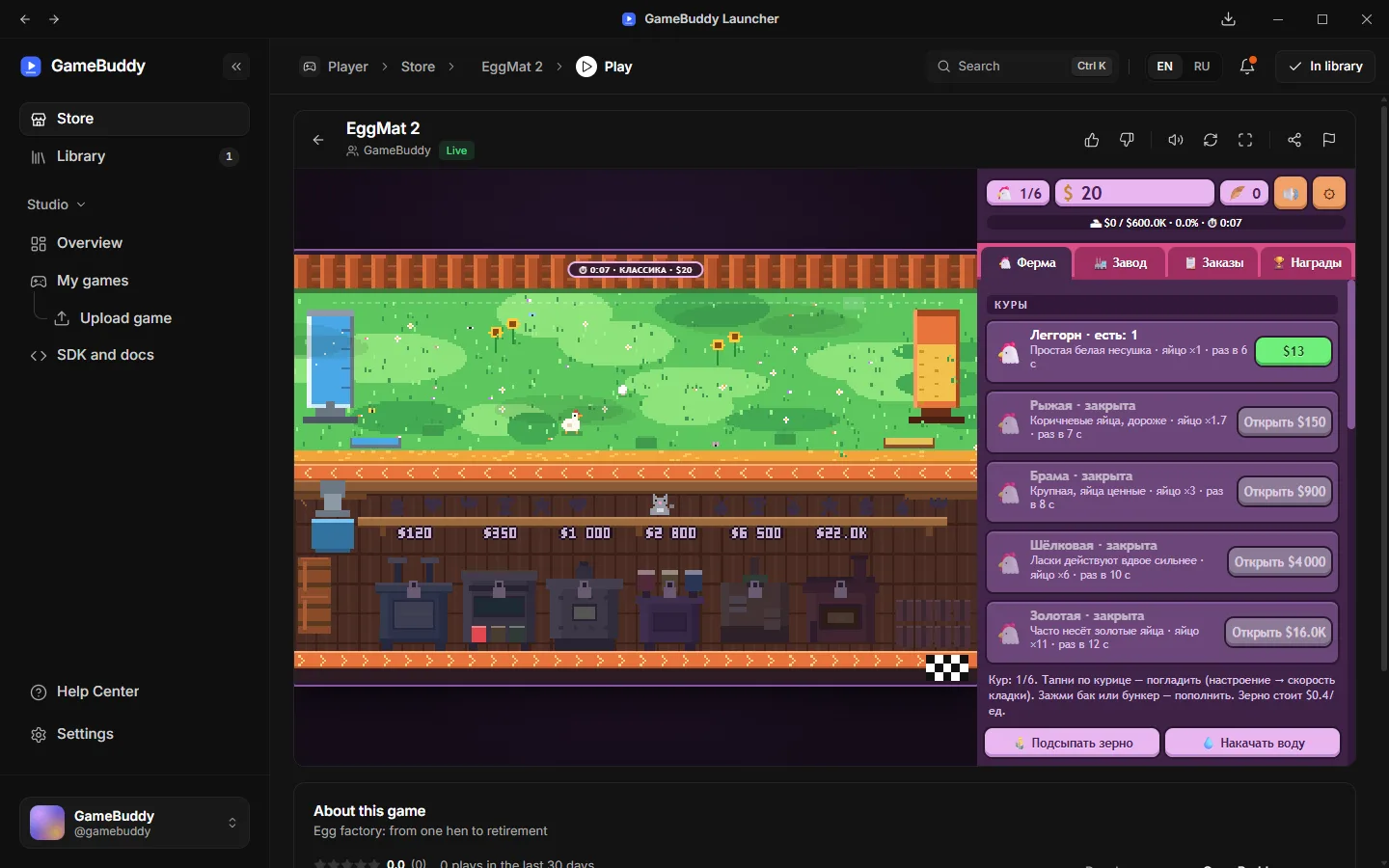
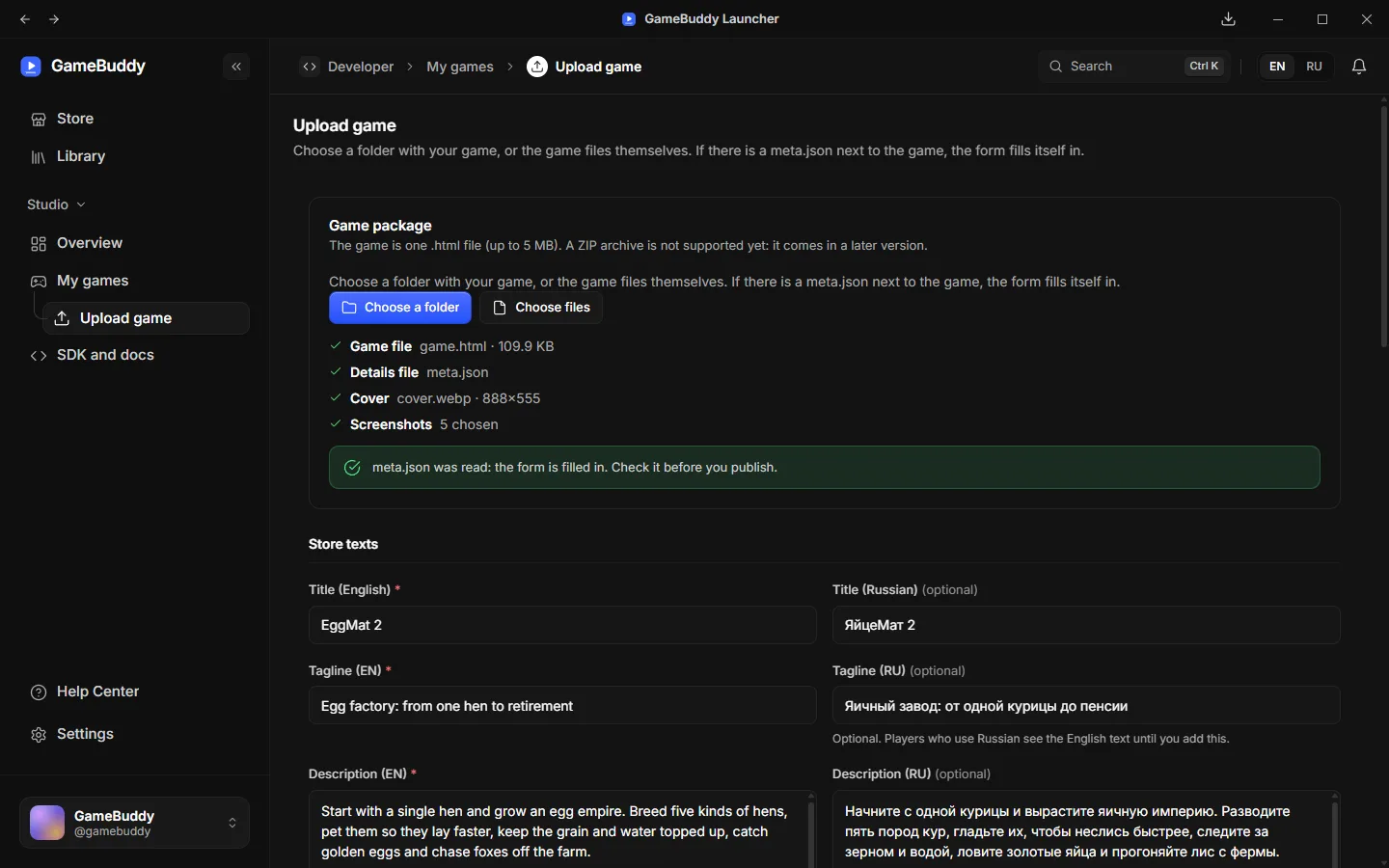
Screenshots of the launcher with the game EggMat 2.
For players
Pick one up for five minutes or a whole evening. No purchases, no pressure.
Free
Every game is free to play.
Offline play
Installed games open without an internet connection.
Up to date
The launcher updates your games in the background.
Browse the store and play as a guest. Create an account when you want to leave a review.
See what other players think and share your own opinion.
HTML games run in their own isolated frame, away from your files and your account data. A game that is a Windows program is checked by a person first and asks for your consent before it starts for the first time.
Your library and settings are stored on your own computer.
Switch the language of the whole app at any time.
Open public pages of studios and players to see who made a game.
For developers
Upload your HTML5 game as one .html file, or a Windows game as a ZIP archive with a program (.exe) and its files. GameBuddy checks it, a moderator reviews it, and it appears in the store, where players can rate and review it.
my-game.html
v1.0.0
An HTML5 game in one .html file, or a ZIP archive with a Windows program.
Build checks
All clear
File types, size and risky code are checked before anyone sees the build.
Store listing
A moderator looks at the game and its store page. A Windows program is always checked by a person before it goes live.
Your game page
Players find, play, rate and review your game.
Ship updates as new versions and polish your store page: title, description, genres and age rating.
A developer cabinet shows plays and players over time.
Read what players write about each of your games.
Show all your games under one studio name and invite your team.
Every game is reviewed before it goes live, and you can see the status.
Write your store page in English and in Russian.
Monetization is not part of the first stage. The first stage is about games, players and reviews.
Windows 10 or 11, 64-bit. It installs for your user account only, so no administrator rights are needed.
b20ef4b746fe321ab2f605f8ed9d736f48afcadcb6f1ef5819992a1d25a5f955
To check your download, compare this with the checksum of the file (in PowerShell: Get-FileHash).
Windows may warn about an unknown publisher
GameBuddy is new and is not yet signed with a paid certificate, so Windows shows a warning the first time. If you see "Windows protected your PC", click "More info", then "Run anyway".